
Reusable SoundEvents
Keep clips, ranges, mixer routing, 3D behavior, caps, loop rules, and distance variants in one reusable asset.

Clean gameplay audio without AudioSources everywhere.
Define reusable SoundEvents, route playback through one managed pool, and keep large scenes under control with distance behavior, voice limits, loop virtualization, mixer routing, and runtime diagnostics.
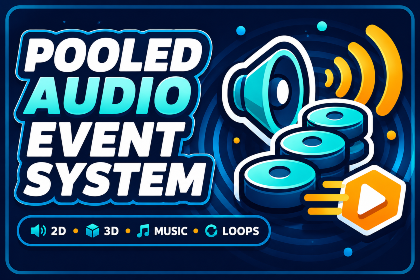
Pooled Audio Event System replaces scene-level audio clutter with a reusable, event-driven workflow built for actual gameplay. Author the sound once, then trigger it through code, components, animation events, collisions, UI, or multiplayer-aware systems.
The pool handles the expensive and repetitive work: leasing sources, enforcing limits, culling inaudible requests, tracking loops, following moving emitters, routing mixer buses, and exposing the numbers you need when a scene gets loud.
The package connects authoring, runtime behavior, and the controls needed to integrate it into a real game.
Keep clips, ranges, mixer routing, 3D behavior, caps, loop rules, and distance variants in one reusable asset.
Lease AudioSources only when they are needed, return them automatically, and keep idle pooled objects out of the way.
Cull requests nobody can hear and switch between near, mid, and far clip layers as the listener moves.
Keep loops logically alive while out of range, then reactivate them when they become audible and limits allow it.
Stop footsteps, crowds, weapons, impacts, UI, or AI from stacking endlessly and wrecking the mix.
Inspect active sources, loops, virtualized loops, and every skipped request from clean debug statistics.
The exact controls differ, but each STL Dynamics system is structured to get a first result quickly and leave enough depth for serious tuning.
Open Pooled Audio docsCreate a SoundEvent and configure clips, variation, routing, spatial settings, limits, and loop behavior.
Use SoundEventPlayer for a familiar component workflow or call the pooled manager directly from gameplay code.
Watch live stats, test limits and distance layers, then scale the same workflow across the project.
Real editor workflows, runtime demos, feature breakdowns, and package presentation from the included media.
3 focused documents are available in the STL Dynamics documentation hub for Pooled Audio Event System.
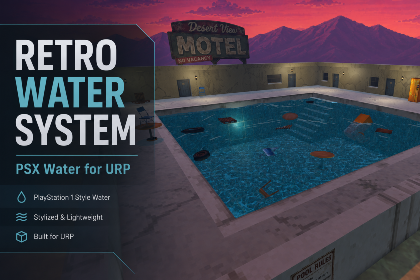
Build lakes, rivers, pools, swamps, and bounded oceans with profile-driven retro rendering, CPU surface sampling, Rigidbody buoyancy, projected caustics, underwater effects, and tiled-ocean LOD.
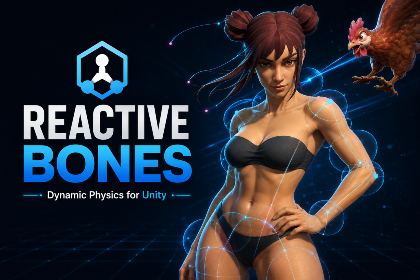

A complete bone-based secondary motion toolkit for hair, tails, ears, straps, cables, soft-body motion, plants, and accessories—with setup wizards, rig painting, smart collision, wind, runtime forces, optimization, and debugging.
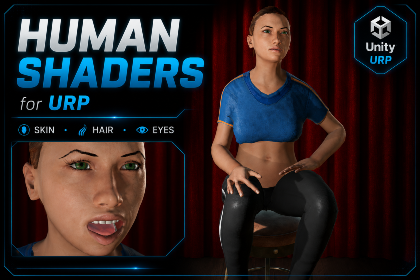
A complete URP character material toolkit with specialized human shaders, one editor workspace, texture packing, reusable profiles, diagnostics, runtime controls, and painted or geometric skin visibility workflows.